webgl-terrain-explorer
WebGL Terrain Explorer
A 3D landscape you can fly around inside an ordinary web browser: hills, water, trees, and houses, with nothing to install. None of it is a downloaded model: the ground, the sky, and the rippling water are worked out by the code as the page loads. Built for a university graphics course deliberately without any ready-made 3D toolkit, so every piece of the drawing is done by hand.
Built as a Computer Graphics course project to practice the full pipeline by hand: mesh generation, view and projection matrices, shading models, and shader programs.
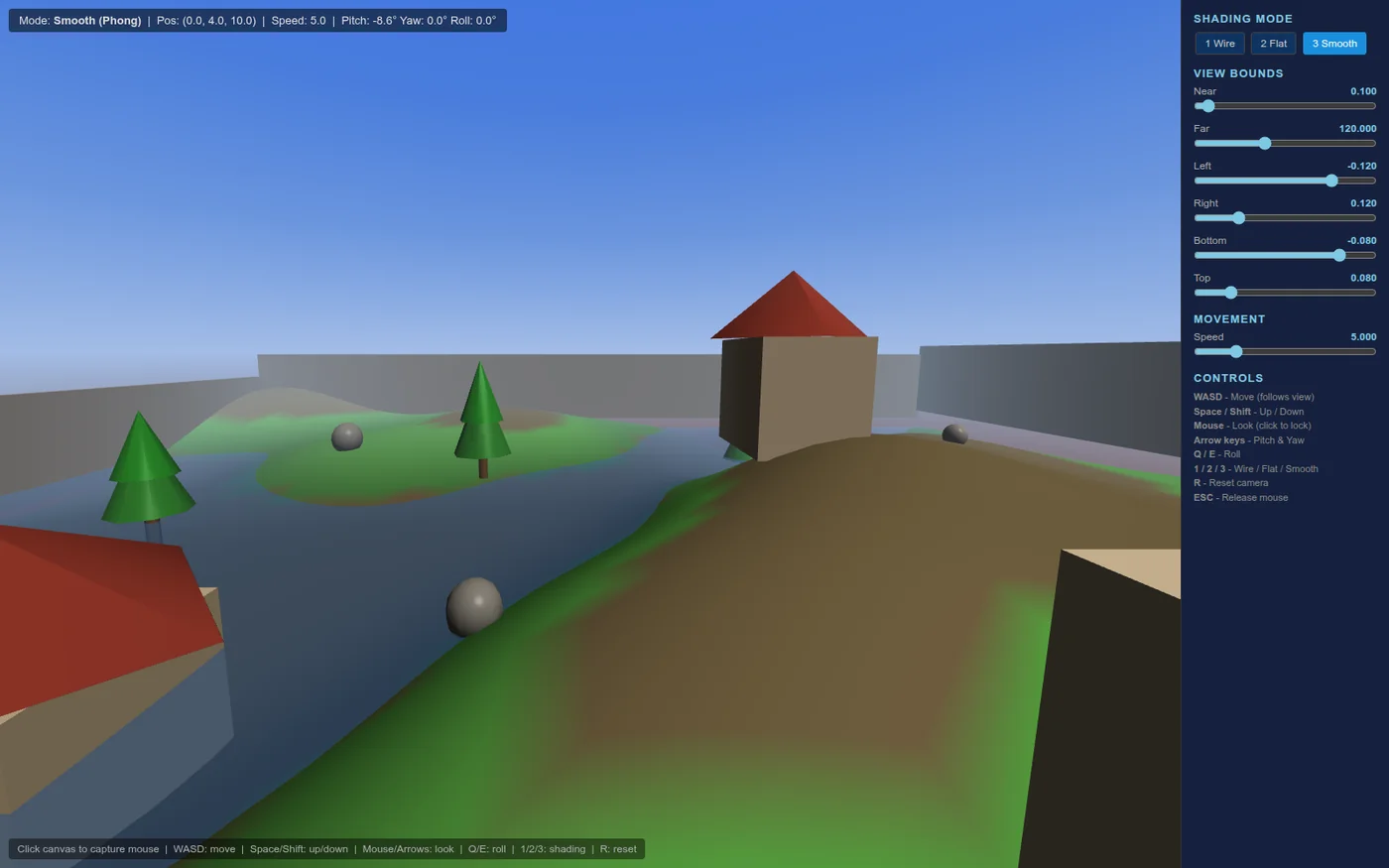
Overview
A first-person explorable low-poly landscape written in raw WebGL 1.0, with no engine and no libraries. Procedural terrain, trees, houses, a gradient sky dome, distance fog, and an animated water plane, all generated in JavaScript at load time.
Key features
- Three shading modes over the same mesh data: wireframe, flat (per-face normals), and smooth Phong (per-vertex normals with ambient, Lambertian diffuse, and specular, blended toward the fog color with distance).
- Terrain is a 40x40 quad grid; vertex height is a sum of three sine and cosine terms, with smooth normals from the analytic height gradient and color chosen by height.
- Water is a grid recomputed on the CPU each frame from three layered sine waves and re-uploaded, rendered semi-transparent with blending.
- The camera avoids rotation matrices: forward, right, and up axes are computed from yaw, pitch, and roll trig directly, with position clamped inside boundary walls.
- Four separate GLSL programs: lit, wireframe, sky dome, and water.
Results
No test suite or performance metrics are claimed; it is a hand-written graphics pipeline that renders interactively in the browser, with all vector and matrix math rolled by hand.